2D Drawing and Image Editing
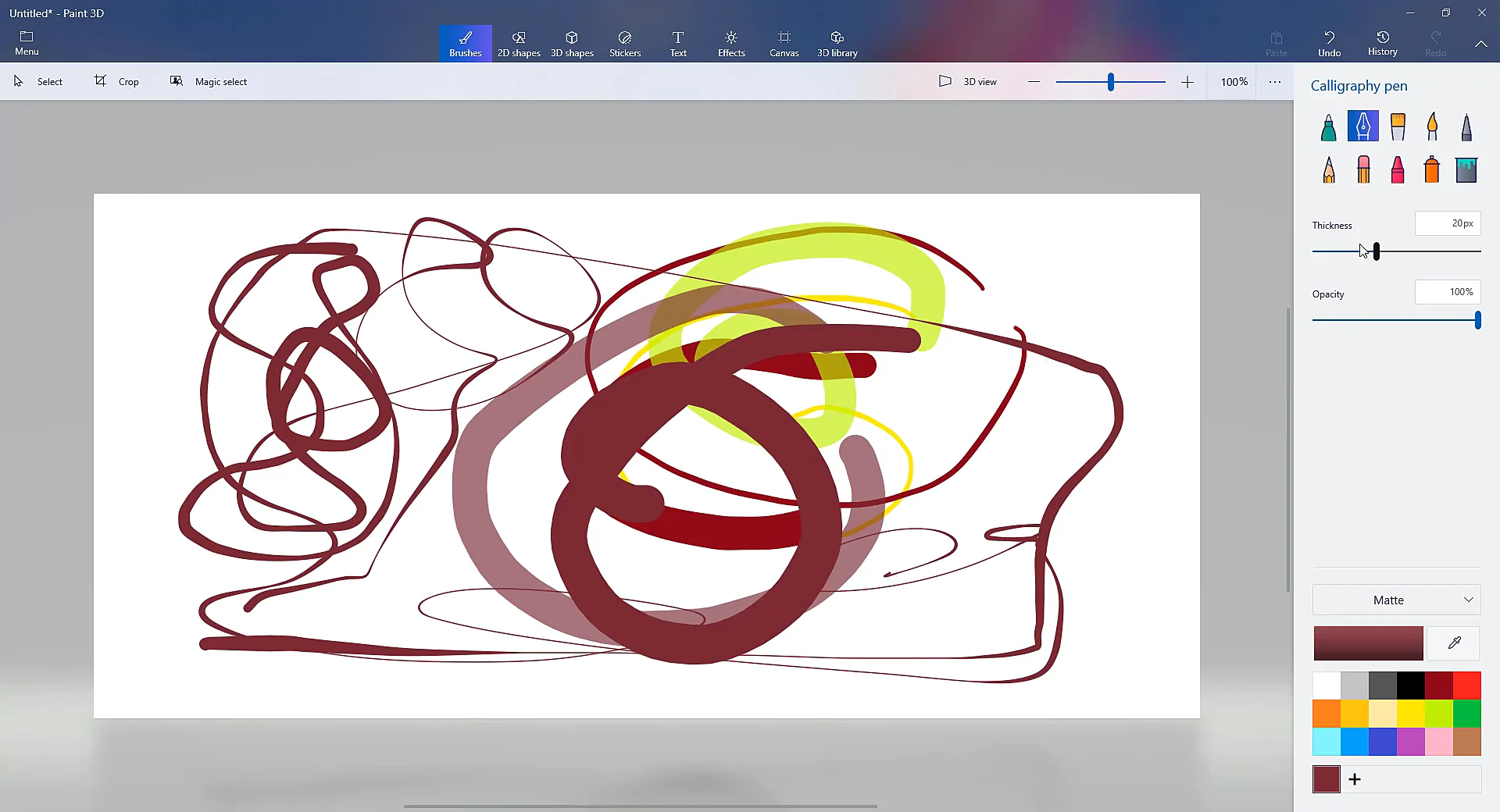
Draw, paint, and edit images on the canvas with customizable pens and brushes. Paint 3D supports stylus pressure for natural strokes, ready-made 2D shapes, and precise cropping tools.
Paint 3D is a free creative application from Microsoft for Windows 10 and 11 that brings simple 3D modeling tools to a familiar paint canvas. Sketch with digital brushes, inflate doodles into 3D shapes, cut out photo subjects with Magic Select, and wrap custom stickers onto models. Built for students, hobbyists, and creators who want an easy entry into 3D without the steep learning curve of complex professional modeling suites.
A 3D paint app for Windows that combines traditional 2D drawing with easy-to-use 3D modeling, stickers, and image cutouts.
MS Paint 3D is a free creative application developed by Microsoft for Windows 10 and Windows 11. It brings 3D modeling tools to a familiar paint interface, letting you work on a flat canvas or build models in 3D space.
Paint 3D makes 3D creation accessible without complicated modeling software. You can draw with realistic digital brushes, turn flat sketches into 3D shapes, cut out photo subjects, and wrap stickers directly onto models.
The Paint 3D app is designed for anyone who wants to explore 3D modeling without learning complex professional software, while offering far more flexibility than flat 2D paint apps.
| Feature Dimension | Classic Microsoft Paint | Microsoft Paint 3D |
|---|---|---|
| Release Year | November 1985 (Windows 1.0) | April 2017 (Windows 10 Creators Update v1703) |
| Application Framework | Win32 Desktop Executable • Modern WinUI 3 | Universal Windows Platform (UWP) Sandboxed Package |
| Coordinate Space | 2D flat canvas (pixels only) | Combined 2D canvas and 3D workspace (X, Y, and Z axes) |
| 3D Geometry & Models | None (flat 2D drawing only) | 10 basic shapes, 5 figure templates, and freehand 3D Doodle |
| Foreground Isolation | Rectangular / Freeform selection (background removal added 2023) | Dedicated Magic Select with edge-refining pens & content-aware autofill |
| Text Handling | Flat 2D text | Flat 2D text and rotatable 3D text |
| Decals & Textures | None | Stickers and textures that wrap around 3D surfaces |
| Lighting & Viewport | Fixed 2D view | 360° orbital camera, 4 material finishes, and lighting wheel |
| Animation & Video Export | None | MP4 video and animated GIF turntable exports (6 motion presets) |
| Memory & Startup Speed | Opens almost instantly (<50 MB RAM) | Slightly longer startup (~200-500 MB RAM) |
| Current Windows Status | Active, preinstalled on Windows 11 with AI tools | Deprecated August 2024; delisted Nov 4, 2024 (works offline) |
A versatile set of tools for drawing, 3D modeling, photo cutouts, and texturing without the complexity of professional CAD software.
Draw, paint, and edit images on the canvas with customizable pens and brushes. Paint 3D supports stylus pressure for natural strokes, ready-made 2D shapes, and precise cropping tools.
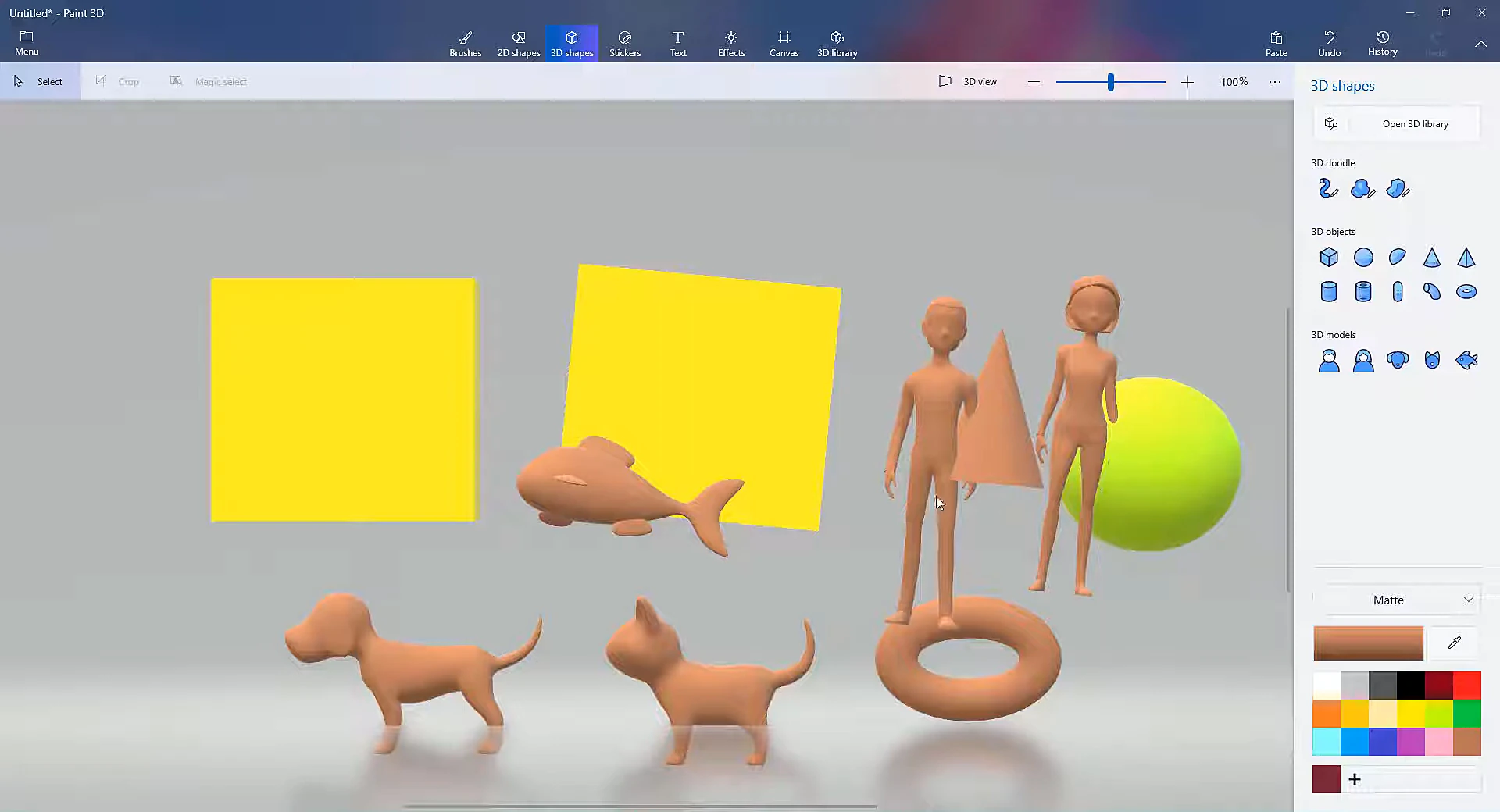
Create 3D objects and move, rotate, and resize them in the workspace. Choose from basic geometric shapes, pre-made figure models, or draw custom 3d paint shapes using the 3D Doodle tool.
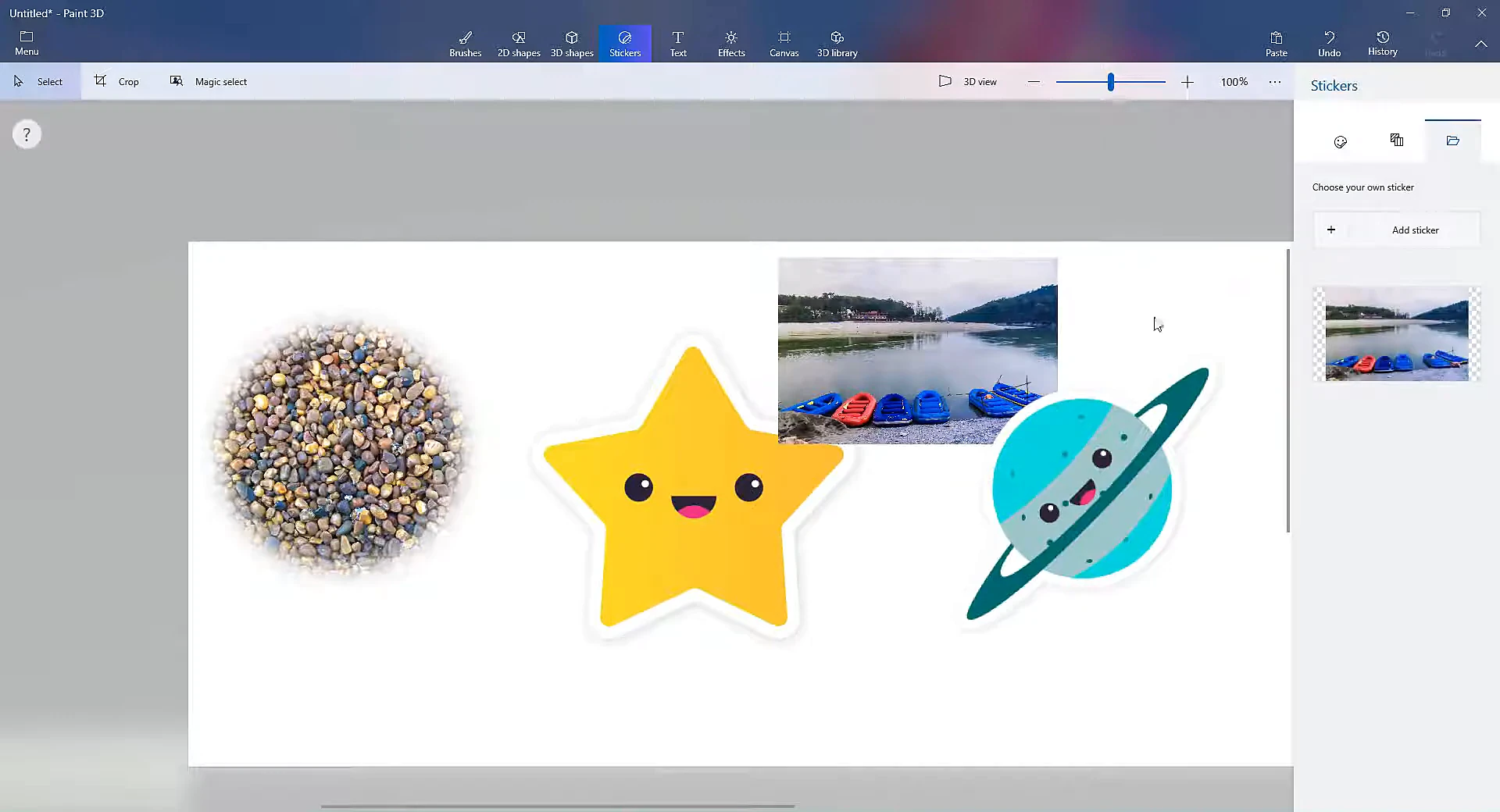
Add stickers, textures, and custom photos to your 3D models. When you place a sticker on a 3D shape, it automatically wraps around curves and contours without distorting.
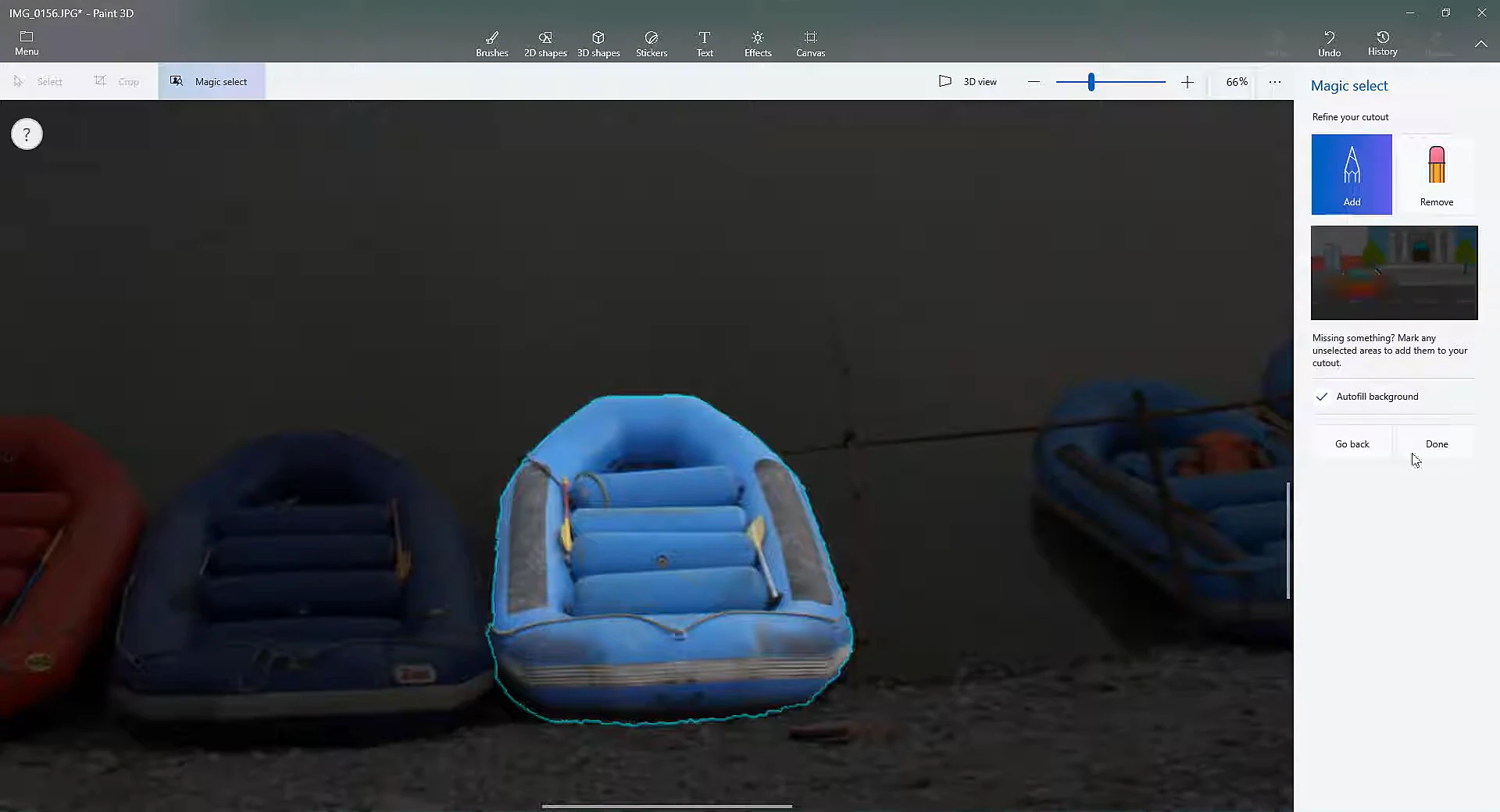
Magic Select lets you separate a subject from its background in a few clicks. It automatically detects the edges of your subject, lets you refine the selection with add and remove pens, and fills in the empty background space.
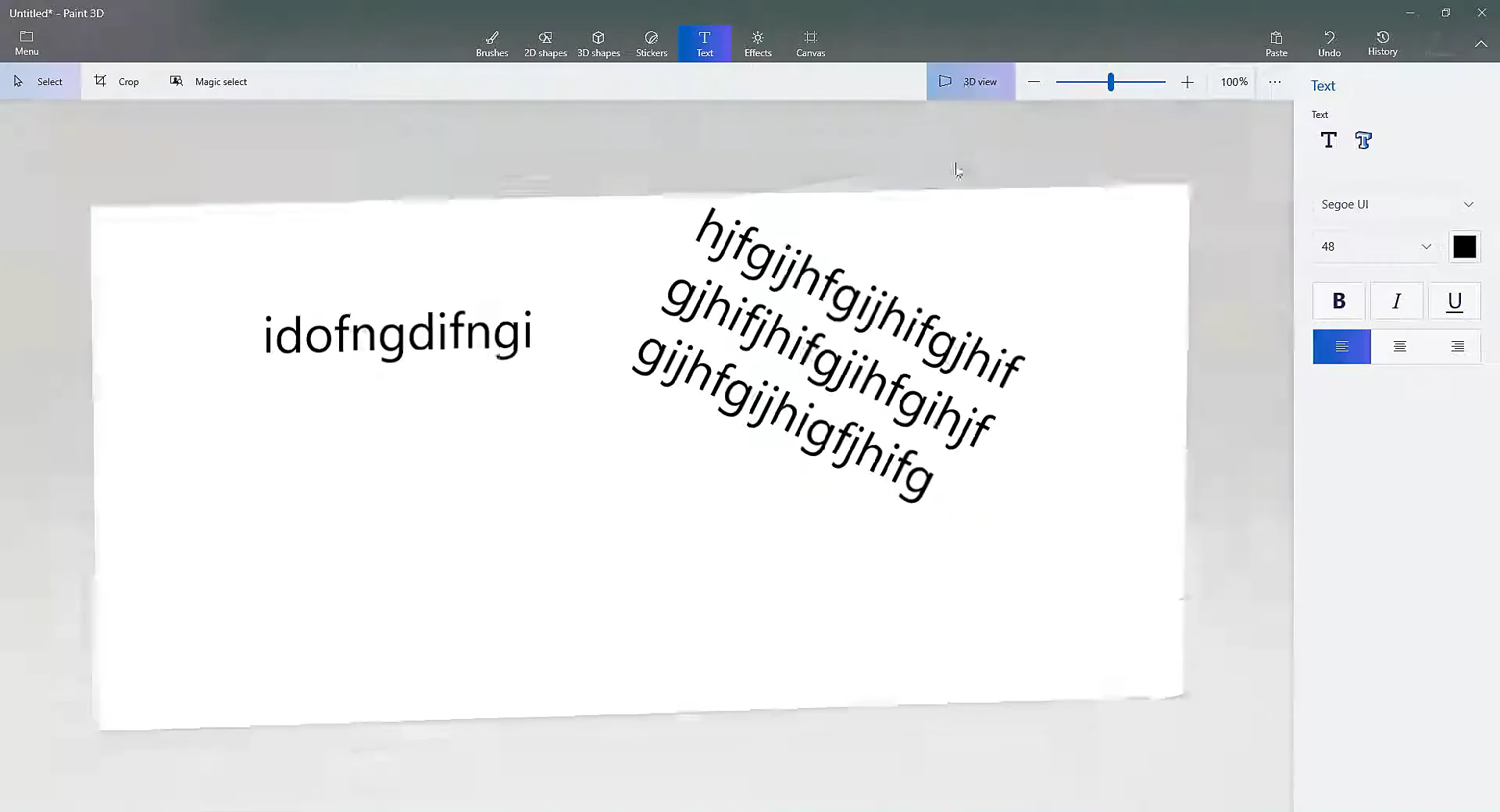
Type directly onto the 2D canvas or turn text into full 3D objects. 3D text can be rotated in any direction, customized with your installed Windows fonts, colored, and exported as part of your 3D scene.
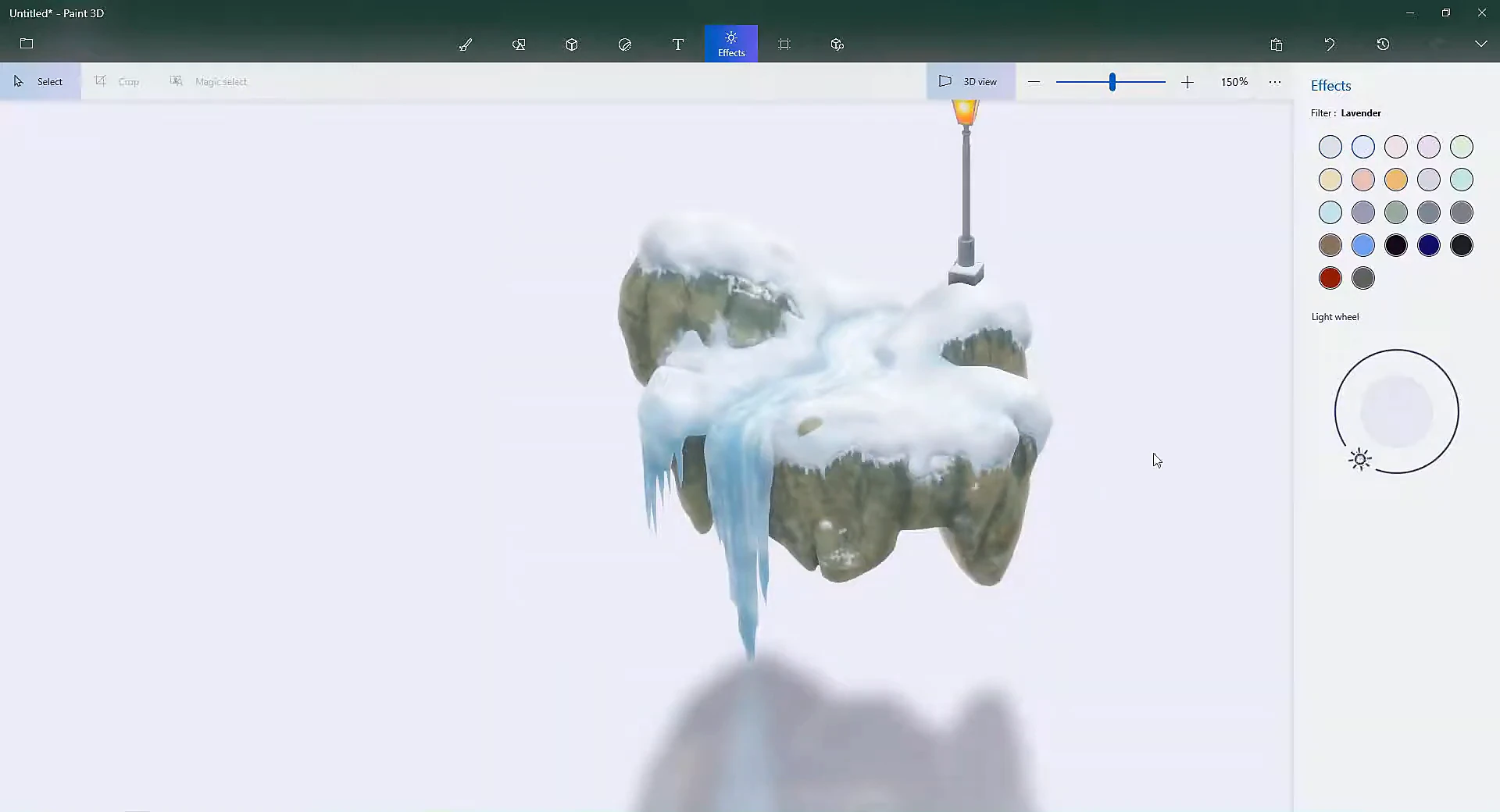
Change the mood of your scene with color filters and adjustable lighting. A 360-degree light wheel lets you position the main light source, while different surface finishes control how light reflects off your models.
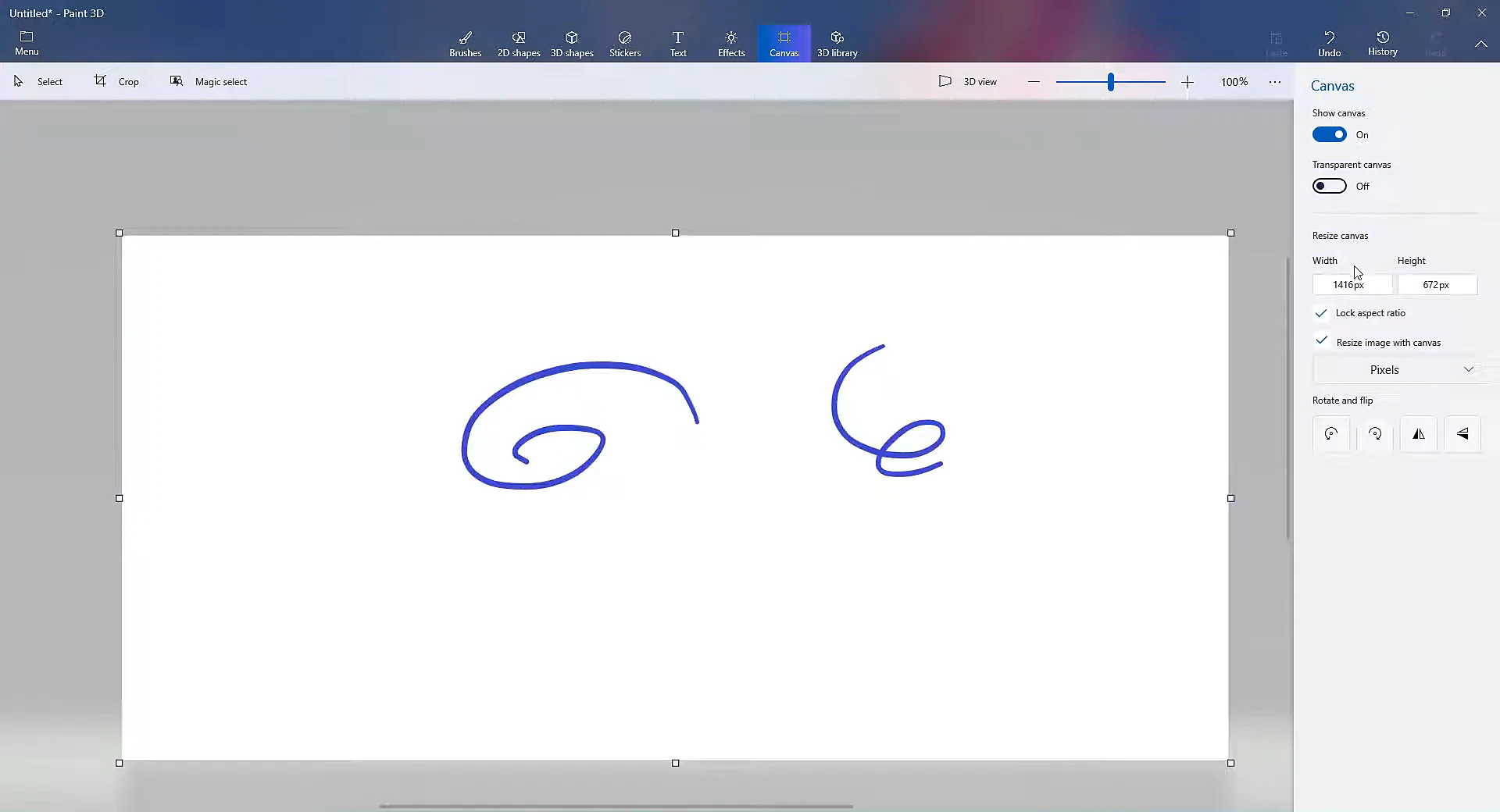
Adjust the size and orientation of your 2D canvas, or turn it off completely so your 3D models float freely in the workspace. You can resize by pixels or percentage, lock the aspect ratio, and flip or rotate the canvas.
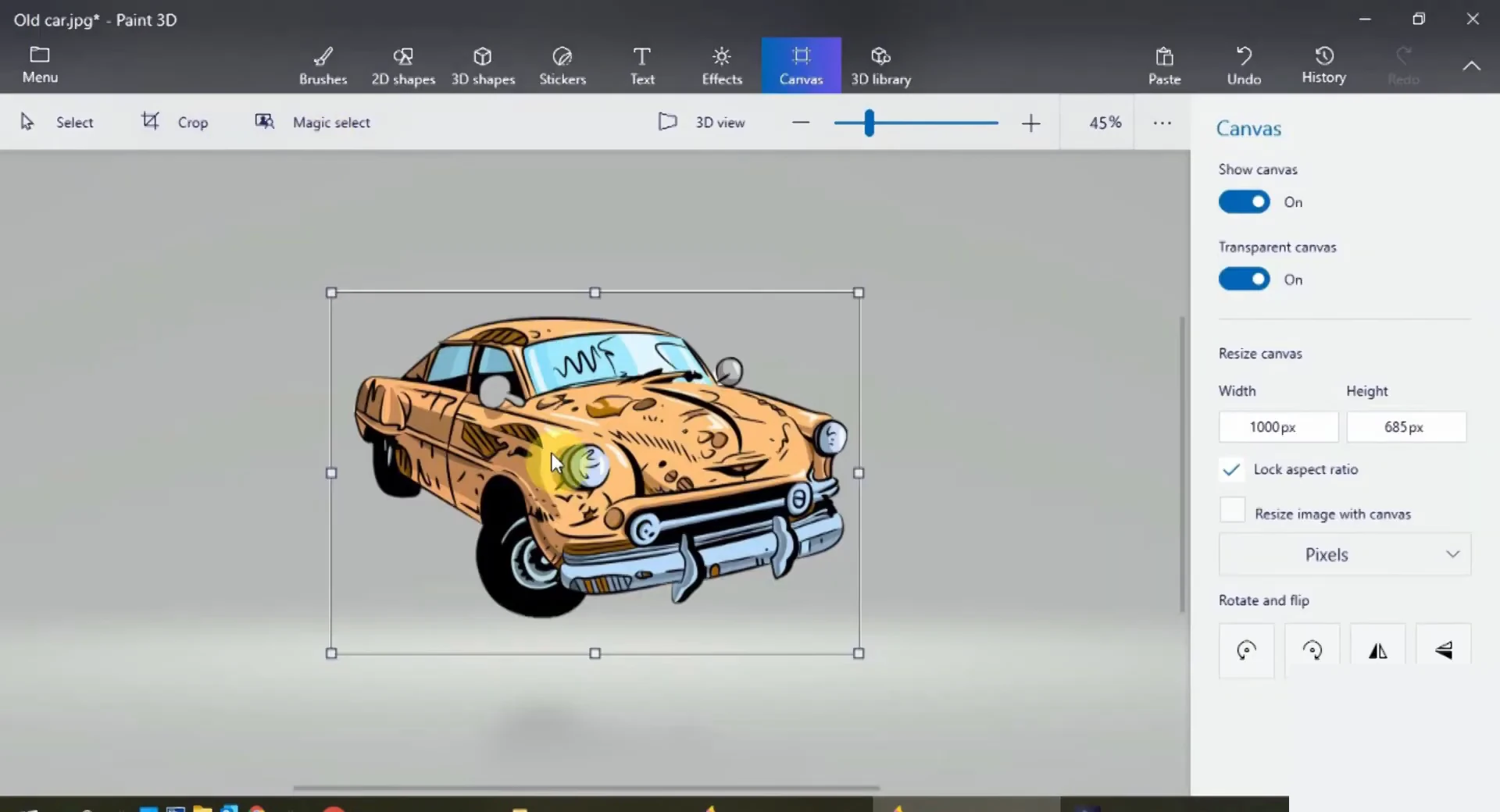
Turn on transparent canvas to remove the solid white background. This is useful for creating stickers, logos, and cut-out graphics that can be exported as transparent PNG files.
Official installation instructions, lifecycle status, and full hardware requirements for Windows 10 and 11.
Microsoft officially deprecated Paint 3D in August 2024 via an in-app banner and updated its official "Deprecated features in the Windows client" documentation on Microsoft Learn. The application was removed from the public Microsoft Store catalog on November 4, 2024.
Install the official Microsoft package directly using Windows PowerShell:
Add-AppxPackage -Path ".\2024.2410.13017.0.AppxBundle"
If your computer has the Windows App Installer tool installed, simply double-click the downloaded .AppxBundle file:
Microsoft never released Paint 3D as a standard .exe or .msi installer. Websites offering executable setup files (such as "Paint 3D Setup.exe") are distributing repackaged files that may contain malware, spyware, or unwanted software.
Safe Installation: Authentic Paint 3D packages are always .appxbundle or .msixbundle files digitally signed by Microsoft Corporation. Never run unverified executable files claiming to be Paint 3D.
Official baseline hardware parameters for Windows systems:
Recommended parameters for smooth 60 FPS viewport navigation and high-resolution textures:
How Paint 3D is supported across Windows 10 and Windows 11:
A practical choice for anyone wanting simple 3D modeling, quick photo cutouts, and creative doodling without the steep learning curve of professional CAD programs.
Unlike heavy professional 3D software with steep learning curves, Paint 3D lets beginners start building simple 3D models right away with straightforward tools.
You can draw on your models using familiar brushes like watercolor, oil, and marker, or place 2D stickers that wrap around 3D surfaces automatically, without needing to understand UV mapping or texture baking.
Magic Select cuts out subjects from photos quickly right on your computer. You do not need cloud tools, an account, or a paid subscription to isolate subjects or create transparent stickers.
Ideal for classroom projects, student diagrams, and hobbyist 3D printing. Models can be exported directly to 3MF and STL formats for slicing in standard 3D printer slicing software.
There are no monthly fees, locked features, watermarks, or advertisements. Paint 3D is a standalone Windows creative tool built by Microsoft for personal, educational, and creative projects.
Critical reception and perspectives from leading technology publications and creative communities.
“Paint 3D makes basic 3D modeling and scene composition refreshingly accessible. Tools like Magic Select effortlessly separate foreground elements, turning 2D imagery into modular 3D scenes with surprising fidelity.”
“It represents one of Microsoft’s boldest attempts to democratize 3D creation for Windows users. The ability to manipulate geometry, apply real-time stickers with depth-wrapping, and export directly to GLB was years ahead of simple paint apps.”
“A genuinely delightful sandbox for creators. Between zero subscription fees, offline execution, and intuitive spatial doodling, Paint 3D remains a uniquely capable entry point into three-dimensional graphic design.”
A step-by-step walkthrough showing how to start with a blank canvas, create and arrange 3D objects, add color and stickers, and export your finished project.
Open the app to find your main creative tools in the top ribbon, your drawing area in the center, and tool options in the panel on the right. The right panel updates automatically whenever you switch tools.
Choose the size of your drawing canvas, switch on transparency for cutout projects, or turn off the canvas entirely if you want your 3D models to stand alone in open space.
Sketch outlines, paint with brushes (such as watercolor, marker, or oil), or add 2D shapes like circles and stars. You can also paste an existing photo onto the canvas to use as a reference.
Add ready-made 3D shapes like cubes and spheres, pick a human or animal template, or use the 3D Doodle tool to draw custom shapes that automatically puff into 3D objects.
Click any object to reveal four rotation handles. Use them to tilt forward and back (X-axis), turn left and right (Y-axis), spin in place (Z-axis), or slide the object forward and backward into depth.
Apply textures and stickers that wrap around the curves of your model, paint directly on 3D surfaces with your favorite brushes, and adjust the lighting wheel to cast light from any direction.
Save your project locally to keep editing later, or export your work in the format that best fits what you need:
Models created in Paint 3D can be exported and used in other software, from Microsoft Office documents to 3D printing slicers and professional 3D tools.
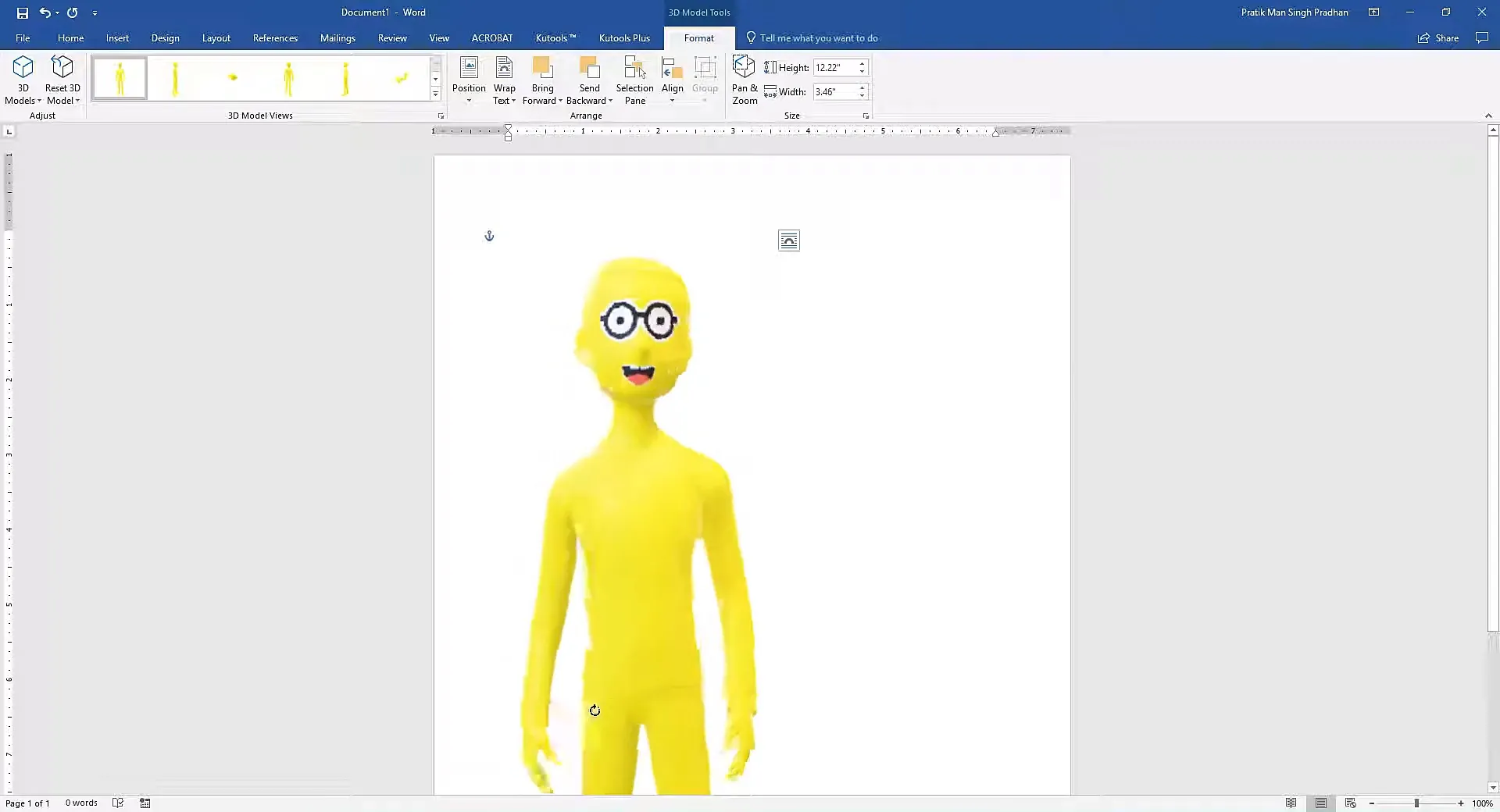
Exported .fbx models embed directly into Microsoft Word documents, PowerPoint slides, and Excel worksheets via Insert > 3D Models > From a File. Unlike static 2D images, embedded models retain an interactive on-page 3D rotation handle, allowing readers and audiences to orbit and inspect models from any angle.
Paint 3D works well for quick conceptual sketches and basic models. Models exported in .fbx format can be opened in professional 3D software and game engines with shapes and textures intact for further detailing.
Texture 3D shapes easily without setting up complex texture maps. Brushes and airbrushes paint directly onto surfaces while freely orbiting the camera in 3D View. Paint 3D's dedicated 3D Eraser removes surface paint cleanly without altering the underlying 3D shape.
This example shows a Paint 3D model (.fbx) embedded inside a Microsoft Word document. The central rotation control allows readers to orbit the model directly on the page.
Watch a comprehensive demonstration of Microsoft 3D paint covering 3D modeling, doodles, stickers, Magic Select photo cutouts, and lighting.
Answers to common questions regarding Paint 3D features, hardware compatibility, and offline availability.
Paint 3D runs on Windows 10 (Version 1709 or higher) and Windows 11 on 64-bit, 32-bit, or ARM devices. At minimum, it requires a 1.0 GHz processor, 1 to 2 GB of RAM, and DirectX 9-compatible graphics. For smoother performance when working with detailed 3D scenes and textures, an Intel Core i5 or AMD Ryzen processor, 8 GB of RAM, and a dedicated graphics card are recommended.
Paint 3D is designed specifically for Windows 10 and Windows 11 as a Universal Windows Platform (UWP) application. It is not available for older versions like Windows 7 or 8, nor is there a version for macOS, Linux, iOS, or Android. There is also no official web browser edition.
Paint 3D offers tools for both 2D drawing and 3D modeling. Key features include 10 artistic brushes, 2D shapes, ready-made 3D primitives, and the 3D Doodle tool for turning sketches into 3D shapes. It also includes Magic Select for cutting out image backgrounds, stickers that wrap around 3D surfaces, 3D text, adjustable lighting, and export to formats like GLB, FBX, and 3MF.
Microsoft deprecated Paint 3D in August 2024 and removed it from the Microsoft Store on November 4, 2024. Although it no longer receives updates or downloads from the Store, existing installations remain fully functional offline. New installations can still be set up using official Microsoft AppX packages.
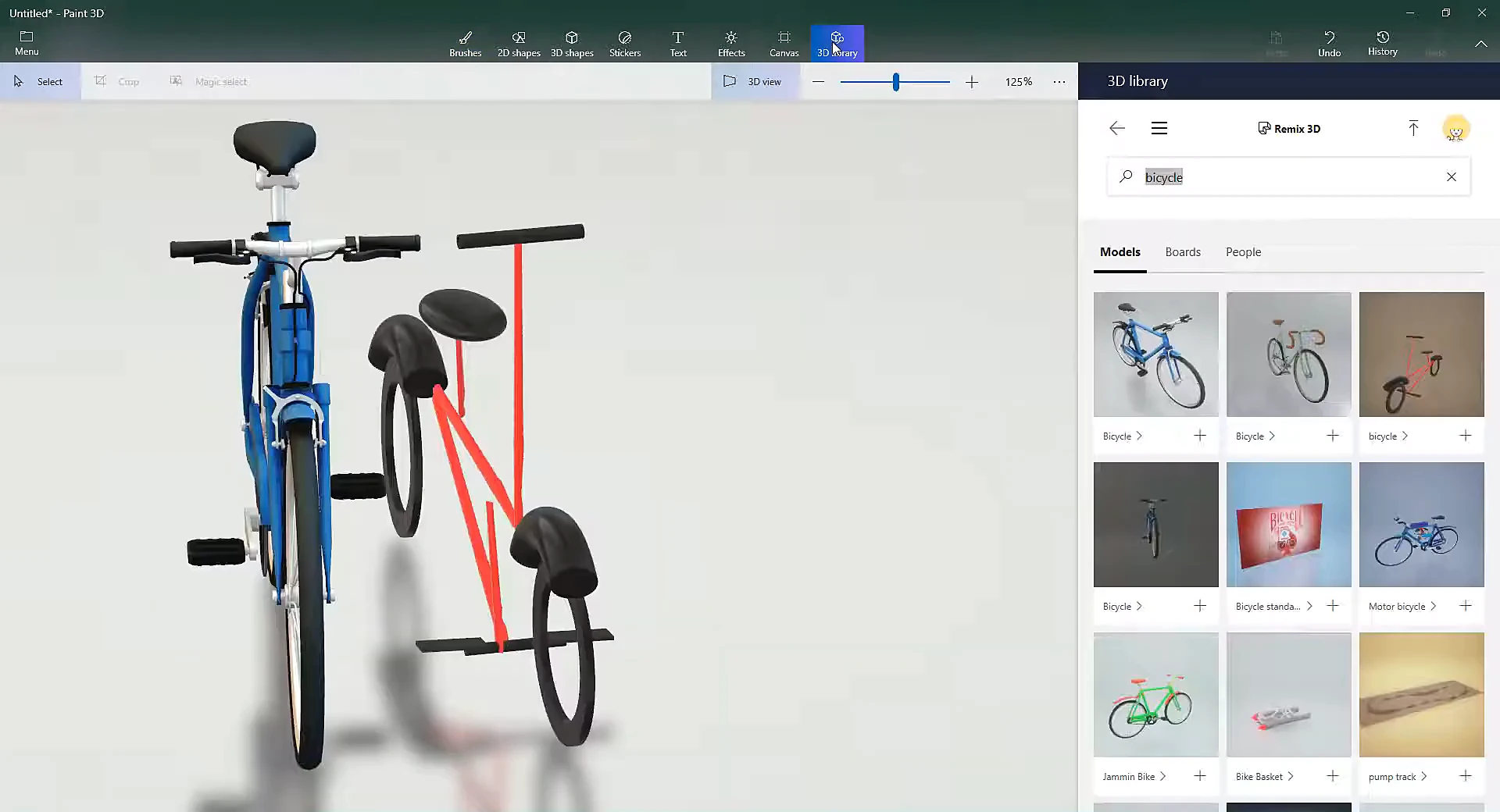
Microsoft retired Paint 3D as it moved away from its broader 3D initiatives, such as the Remix 3D community and Windows Mixed Reality. Most users continued to prefer a fast, simple 2D drawing tool for day-to-day tasks. As a result, Microsoft shifted its focus back to updating the classic Paint app with modern features like layers and transparency.
Paint 3D is built as an easy-to-use entry point rather than a replacement for professional 3D suites. It does not support advanced features such as vertex editing, mesh sculpting, skeletal rigging, animation, or custom UV unwrapping. It also lacks a traditional multi-layer 2D stack, relying instead on depth positioning in 3D space.
Paint 3D has three main viewing and editing modes. Canvas Mode provides a flat 2D surface for sketching, cropping, and drawing. 3D View mode lets you orbit 360 degrees around your scene to view and position objects in depth. Mixed Reality mode allows you to view your 3D models projected through your computer's camera into your real-world surroundings.
Yes, Paint 3D can still be used. Any PC that already has Paint 3D installed can continue using it offline without restrictions. For new setups, users can install Paint 3D free on Windows 10 or 11 using the official Microsoft-signed package via PowerShell or the Windows App Installer.
If Paint 3D fails to open, closes immediately after starting, or freezes during 3D editing, you can usually fix it without reinstalling. Most launch issues are caused by suspended background processes or damaged app cache. See our step-by-step Paint 3D Troubleshooting Guide for verified Task Manager, Repair, Reset, and GPU configuration fixes.
Paint 3D showed that 3D modeling and creative editing can be simple, accessible, and fun. By combining easy 2D drawing tools with 3D shapes, stickers, and automatic photo cutouts, it gave Windows users a welcoming way to explore spatial creation without needing complex software.
Although Microsoft removed the app from the Microsoft Store in November 2024, Paint 3D continues to run reliably offline as a standalone Windows application. Whether for classroom projects, quick 3D prints, or simple photo editing, it remains a capable and practical creative tool.